Department: Interior Design
The workshop in brief:
This workshop, titled “Interior Design Visualization: Lighting and Rendering,” introduces participants to professional lighting setup techniques using Corona Renderer in Autodesk 3ds Max. Through demonstrations and hands-on practice, attendees will learn how to use Corona’s lighting tools—such as Corona Light, Corona Sun, and Corona Sky—to create realistic and visually compelling interior and exterior renderings. The workshop also covers essential lighting concepts including intensity, color temperature, IES profiles, HDRI environments, and how to balance natural and artificial lighting. By the end, participants will be able to produce high-quality, photorealistic visualizations suitable for architectural and interior design presentations.
Workshop Objectives
By the end of the workshop, participants will be able to:
- Identify and explain the key components of the Corona lighting system in 3ds Max (Corona Light, Corona Sun, Corona Sky) and understand their properties.
- Apply fundamental lighting concepts such as intensity, color temperature, light shapes, and IES profiles in real visualization projects.
- Use HDRI lighting to create realistic outdoor and studio environments.
- Balance natural and artificial light sources to achieve photorealistic rendering results.
- Optimize lighting setups for improved render quality and faster render times in professional visualization workflows.
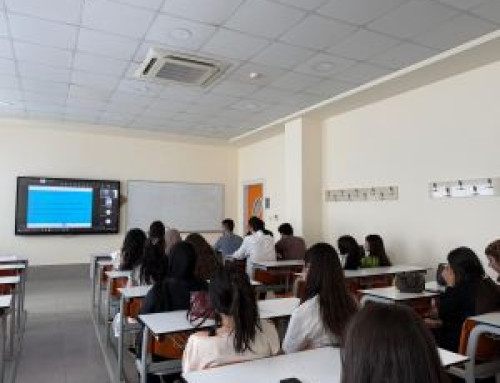
Participants: 25 Participants
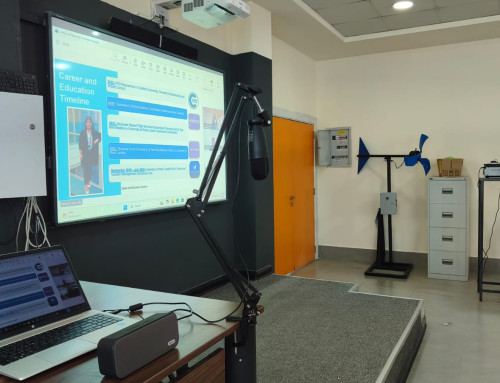
Place: Tishk International University, Main building – 5th floor / 524
Session topics:
Session 1: Theoretical Session – Fundamentals of Corona Lighting
- Introduction to Corona Renderer in 3ds Max
- Overview of lighting concepts: intensity, color temperature, light shapes
- Understanding Corona Light, Corona Sun, and Corona Sky
- Explanation of IES profiles and HDRI environment lighting
- Principles of balancing natural and artificial lighting for realism
Session 2: Practical Session –Setting up lights in a sample 3ds Max scene
- Applying Corona Light, Sun, Sky, and HDRI in practice
- Creating natural and artificial lighting combinations
- Adjusting settings to achieve photorealistic results
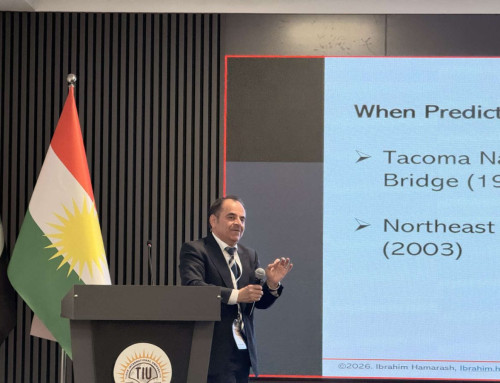
Engineer Muhammed Sabir Owner of MS Studio, Msc
- Understand the basic lighting tools in Corona Renderer.
- Use different types of lights (Sun, Sky, Light, IES).
- Set up HDRI lighting for realistic scenes.
- Create natural and artificial lighting in a project.
- Improve the quality and speed of their renders.